
Find what matters
List published posts and pages, or search for a topic before opening the relevant content.
WordPress + your AI assistant
Connect your WordPress site and ask about its published pages and posts. Search, read and understand your content through an authorized, read-only connection.
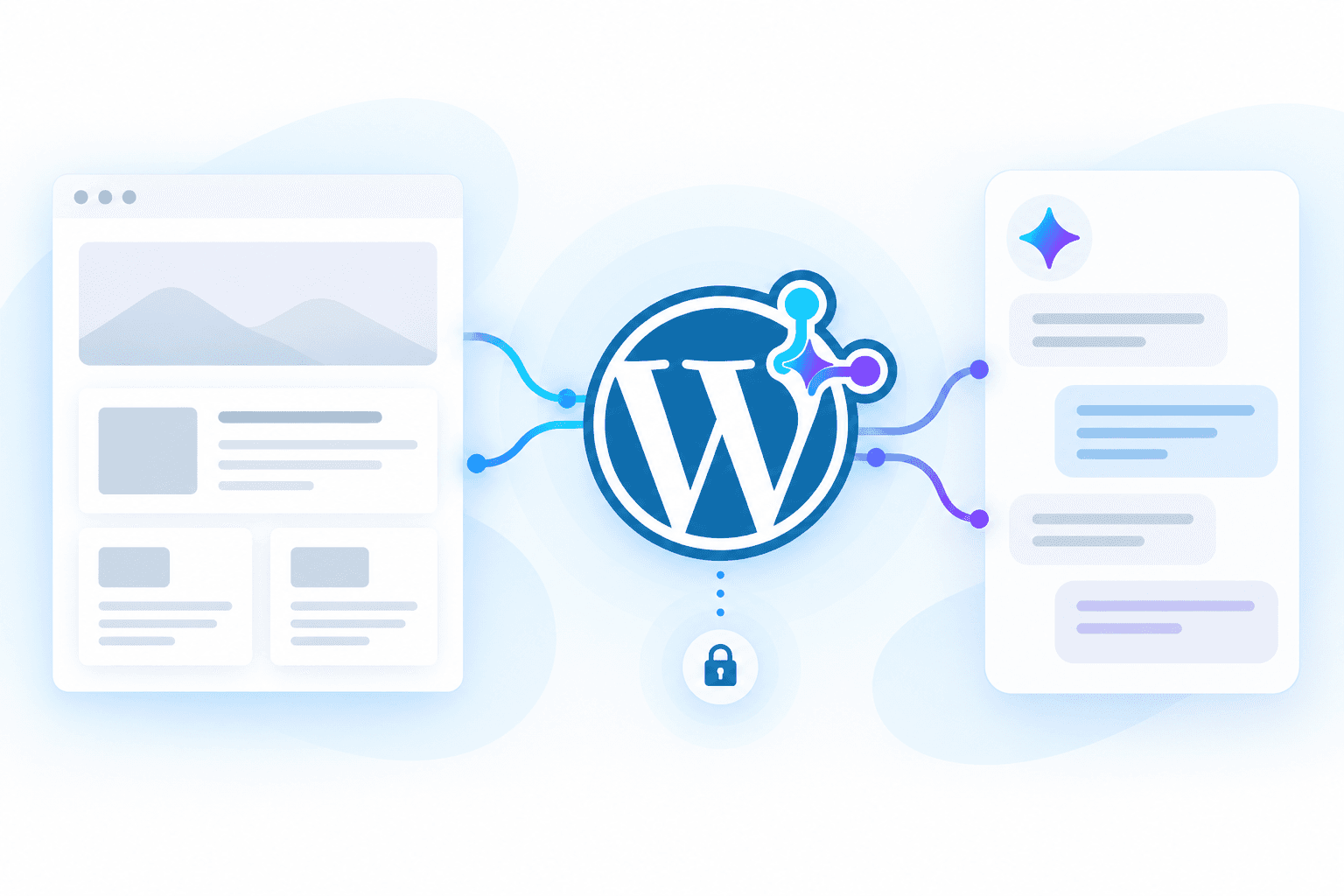
WordPress AI Connector connects published, unprotected WordPress posts and pages to an authorized AI assistant through AppsToAI and WordPress Bridge. It lists, searches and reads static text after site authorization. It does not edit or publish your website.
List published posts and pages, or search for a topic before opening the relevant content.
Read static text from a published page or post and ask your AI assistant to summarize or compare it.
Your WordPress administrator approves the connection and read access. Your site remains the source of truth.
One AppsToAI account, your WordPress Bridge and an authorized AI client. Follow the illustrated guide for the complete setup.
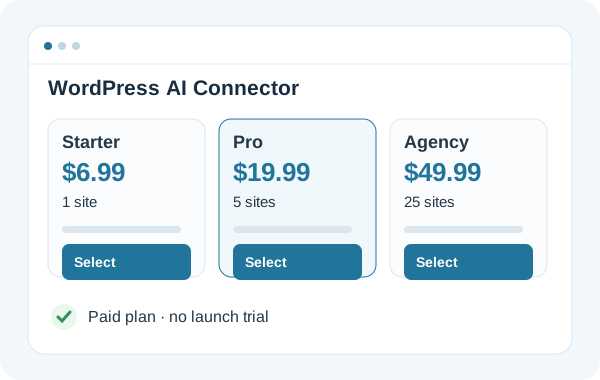
Sign in to AppsToAI, select Starter, Pro or Agency and complete payment. Access follows your purchased plan; there is no launch trial.
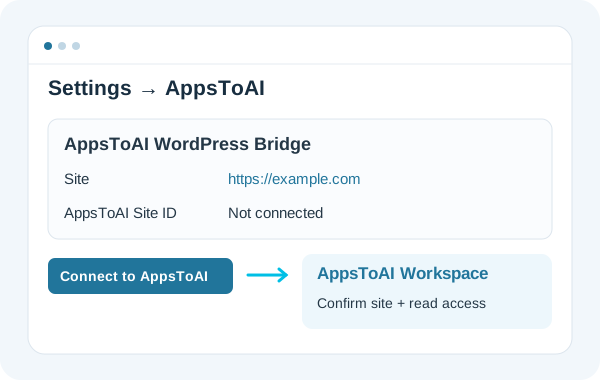
Download WordPress Bridge. In WordPress, open Plugins → Add New → Upload Plugin. Install and activate this ZIP. Open Settings → AppsToAI, click Connect to AppsToAI, and confirm this Workspace. Return to Settings → AppsToAI and click Allow read-only access. Your website will appear below.
Connect your AppsToAI account and authorize the Workspace containing your websites. WordPress administrator credentials stay on your website. Public ChatGPT installation is being prepared. The custom MCP connection is for authorized testing; directory availability depends on OpenAI review.
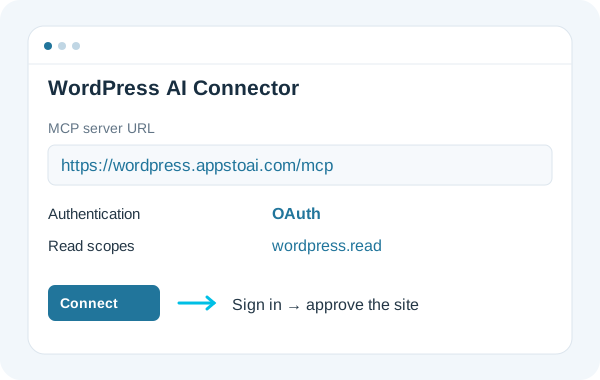
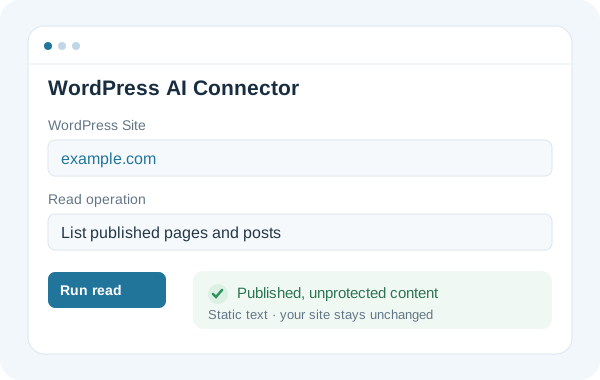
Open WordPress AI Connector in your Dashboard, select the connected site and list, search or read published content. Once your AI client is authorized, ask it to use the available WordPress read tools.
$6.99/ month
1 managed WordPress sites
$19.99/ month
5 managed WordPress sites
$49.99/ month
25 managed WordPress sites
Paid subscription required. No free trial at launch. Prices in USD. AI assistant subscription is separate.
| Plan | Monthly (USD) | Yearly (USD) | Managed sites |
|---|---|---|---|
| Starter | USD 6.99 | USD 69.00 | 1 |
| Pro | USD 19.99 | USD 199.00 | 5 |
| Agency | USD 49.99 | USD 499.00 | 25 |
Site pairing, administrator read consent and current authorization are checked before reads. Requests are signed and bounded. Your WordPress content remains unchanged.
The current offering reads published content. It does not edit, publish or run arbitrary code on your site.
Published, unprotected WordPress posts and pages as static plain text. Private content and password-protected content are excluded; blocks and shortcodes are not executed.
No. Choose a paid plan to access the service within that plan’s limits.
Starter includes 1 managed site, Pro 5 and Agency 25. Each site requires administrator pairing and authorization.
No. Your AI assistant account and any access needed for custom MCP connections are separate. AppsToAI supplies the WordPress connector service.